
Start with what happens after the purchase
Write down the first three things a workshop buyer needs: confirmation, preparation instructions, and the next relevant message. Give each an owner and a deadline. If your payment or booking tool already delivers the first two, paying another service to repeat them may add confusion instead of value.
This is a decision guide based on Kit documentation checked September 13, 2026. We have not run this workshop workflow in a live Kit account. Examples describe a process to evaluate; they are not a tested integration recipe.
The current plan boundary
Kit's current Free-plan help lists up to 10,000 subscribers, forms, landing pages, broadcasts, tagging, and digital-product sales. It places sequences, visual automations, and rules on paid plans. Older articles describe different allowances. Check your actual account and the current help page before following a tutorial.
The audited Creator example for 1,000 subscribers is $39 monthly or $390 annually. A 14-day trial is documented. Higher subscriber counts, tax, and connected services can change the bill. The annual price is an upfront invoice, not a $32.50 monthly payment.
| Situation | First option to evaluate | Reason |
|---|---|---|
| A few buyers on a fixed workshop date | Manual checklist and broadcasts | A scheduled batch may be simpler than a per-buyer sequence |
| Buyers join on different dates | Creator sequence | Relative timing may remove repetitive follow-up |
| Booking tool already sends reminders | Keep its existing process | Avoid sending two versions of the same instruction |
| Different products require different preparation | Map product-to-message rules first | Automation is only useful when the correct buyer enters the correct path |
Compare two complete paths
- Manual path: record the purchase, check whether confirmation already went out, add the buyer to the appropriate workshop list, and mark each preparation message when completed.
- Automated path: identify the documented purchase trigger, assign a stable buyer-and-workshop identifier, define the sequence entry condition, and specify when the buyer exits.
- For both paths, decide what a refund, duplicate purchase event, changed workshop date, and already-enrolled buyer should do. Separate essential purchase communication from optional marketing subscriptions.
- Keep a single source of truth for the workshop date and joining instructions. If a date changes, identify every place that would need updating before trusting the automation.
A time-saving calculation you can challenge
Assume, only for illustration, 20 buyers a month and four minutes of avoidable manual work per buyer. That is 80 minutes. At an assumed $30 an hour, the gross value is $40. A $39 plan leaves $1 before setup, checks, integration costs, and mistakes. Change the inputs to your own measured process; a headline about saving time is not enough.
At five buyers, the same assumptions value the saved time at $10. A manual process may be a better starting point. Conversely, time-sensitive onboarding or repeated errors can matter beyond minutes, but record that evidence instead of assigning an invented revenue uplift.
Before upgrading
- Use test addresses you control. Confirm one purchase enters once and a repeated trigger does not restart unwanted messages.
- Record which feature requires payment and the trial renewal date. Check the renewal behavior before you activate the trial.
- Confirm the payment integration's price and behavior independently. This guide does not establish compatibility with a particular checkout provider.
- Keep a manual fallback and a cancellation checklist. Downgrading can remove automation features; an old recording does not prove the workflow still runs.
Our decision rule
Stay with the free/manual path while it is reliable and small. Evaluate Creator when a specific paid feature solves a repeated problem, and include maintenance in the comparison. Use the worksheet to write down the decision before subscribing.
Watch demos / Official walkthroughs
See how the tools work.
Videos load from YouTube only when you press play. These are provider videos, not our own product tests.
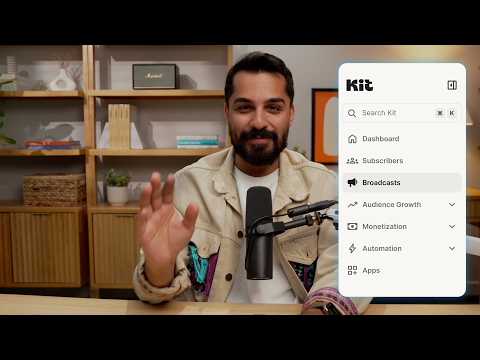
Kit / Official video
Kit’s New Vertical Navigation: A Full Walkthrough
What to look for: Locate subscriber, email, and automation navigation before choosing a workflow.
Watch on YouTubeYour next step / Review the option
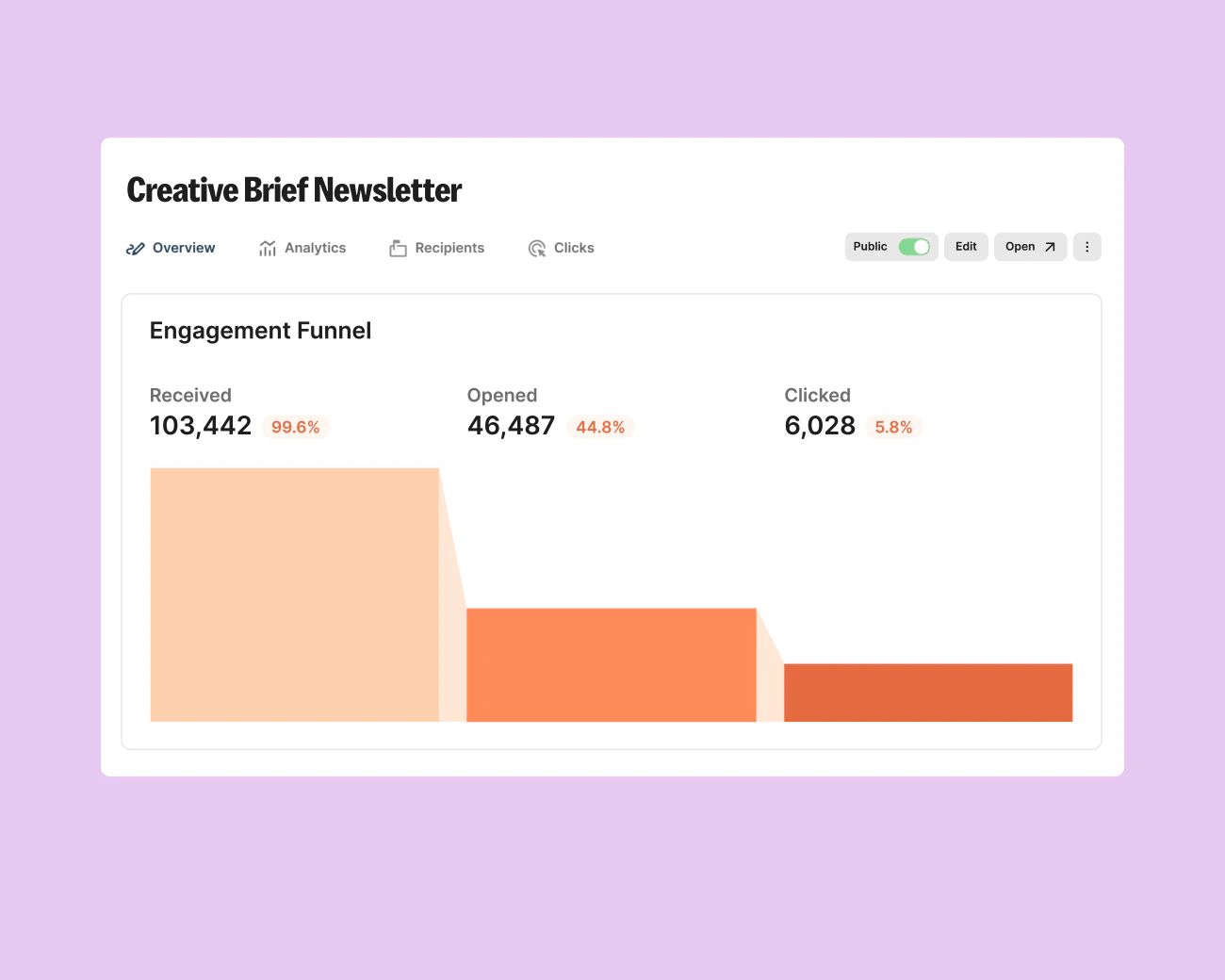
Kit
Evaluate for subscriber broadcasts; consider Creator when a specific sequence or automation earns its cost.
Free plan; audited Creator example $39/month for 1,000 subscribers
Subscriber count and billing interval change price. The paid workflow has not been tested.
Ordinary provider link. No affiliate partnership claimed. Link disclosure
Questions before you decide
Do I need Kit Creator to sell a workshop?
Not solely to sell it: Kit's current Free-plan documentation includes digital product sales. Creator becomes relevant when the follow-up needs paid features such as sequences or visual automations. Confirm that your checkout and workshop delivery process fit the documented features.
Does annual Creator billing fit a $50 monthly spending cap?
The audited 1,000-subscriber example is $39 monthly or $390 paid upfront annually. The annual invoice exceeds a strict $50 monthly cash cap, even though its monthly equivalent is lower. Check subscriber count, taxes, and other bills before choosing the monthly plan.
Sources & verification
Product details and prices can change. Check the linked provider before buying.
- Kit Free-plan features Accessed 2026-09-13
- Kit pricing Accessed 2026-09-13
- Billing at Kit Accessed 2026-09-13
Sources link directly to providers. Product buttons may use separately labeled affiliate links. Read our disclosure.