The independent software decision desk

Pick your tools.
Get to work.

Compare email and automation software. See the tools. Choose what fits.

Do I need a paid plan?

Start with the free or manual path. Pay when a specific feature solves a recurring job and its complete cost makes sense.

Work through the cost decision →
What has been tested?

These are documentation-based research guides, not hands-on reviews. Each guide links to its sources and identifies untested assumptions.

Our editorial standard →

Numbered shortlist / Cost-first research

Ranked picks

See all ranked picks

Ranking method: within each stated job, options are ordered by the lowest documented upfront plan price that supports it. Equal prices share a rank; tied names appear alphabetically. This is a cost-first research order, not a tested quality or performance ranking. Plan limits, future bills, taxes and extras still matter.

Subscriber email broadcasts

Ranked by qualifying upfront cost · 2 options
  1. 01TIED

    Best for: Subscriber email broadcasts

    Kit

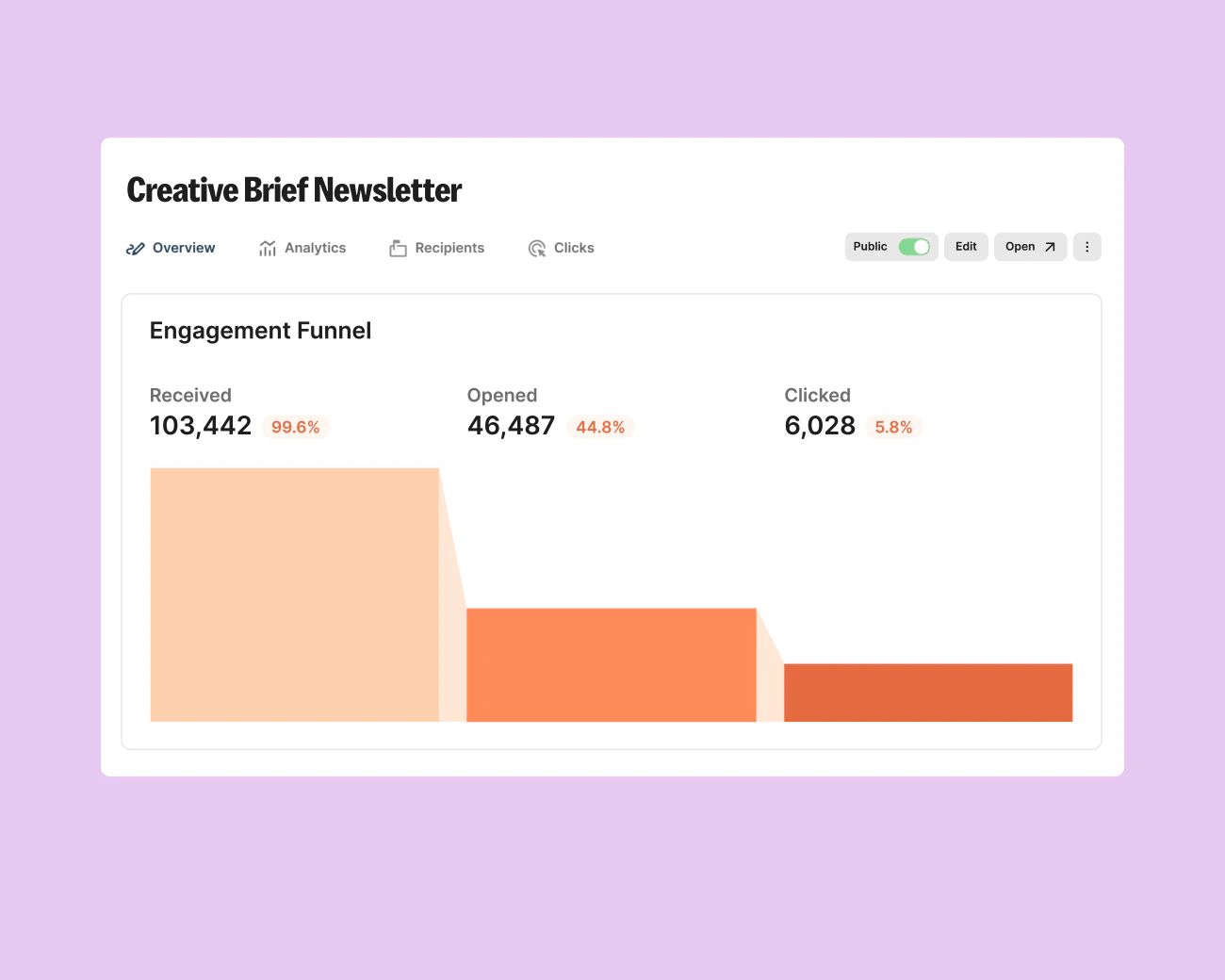
    Kit newsletter analytics interface with vendor example data
    Kit interface preview. Vendor example metrics, not our results. · Image source

    Free broadcasts is the lowest documented upfront-price option from Kit included for this job. Verify its limits before choosing it.

    Tradeoff: Sequences and visual automations require a paid plan.

    $0.00per month

    Free broadcasts

    View Kit plans

    Ordinary provider link. No affiliate partnership claimed. Link disclosure

    Checked 2026-09-13 · Plan source

  2. 01TIED

    Best for: Subscriber email broadcasts

    MailerLite

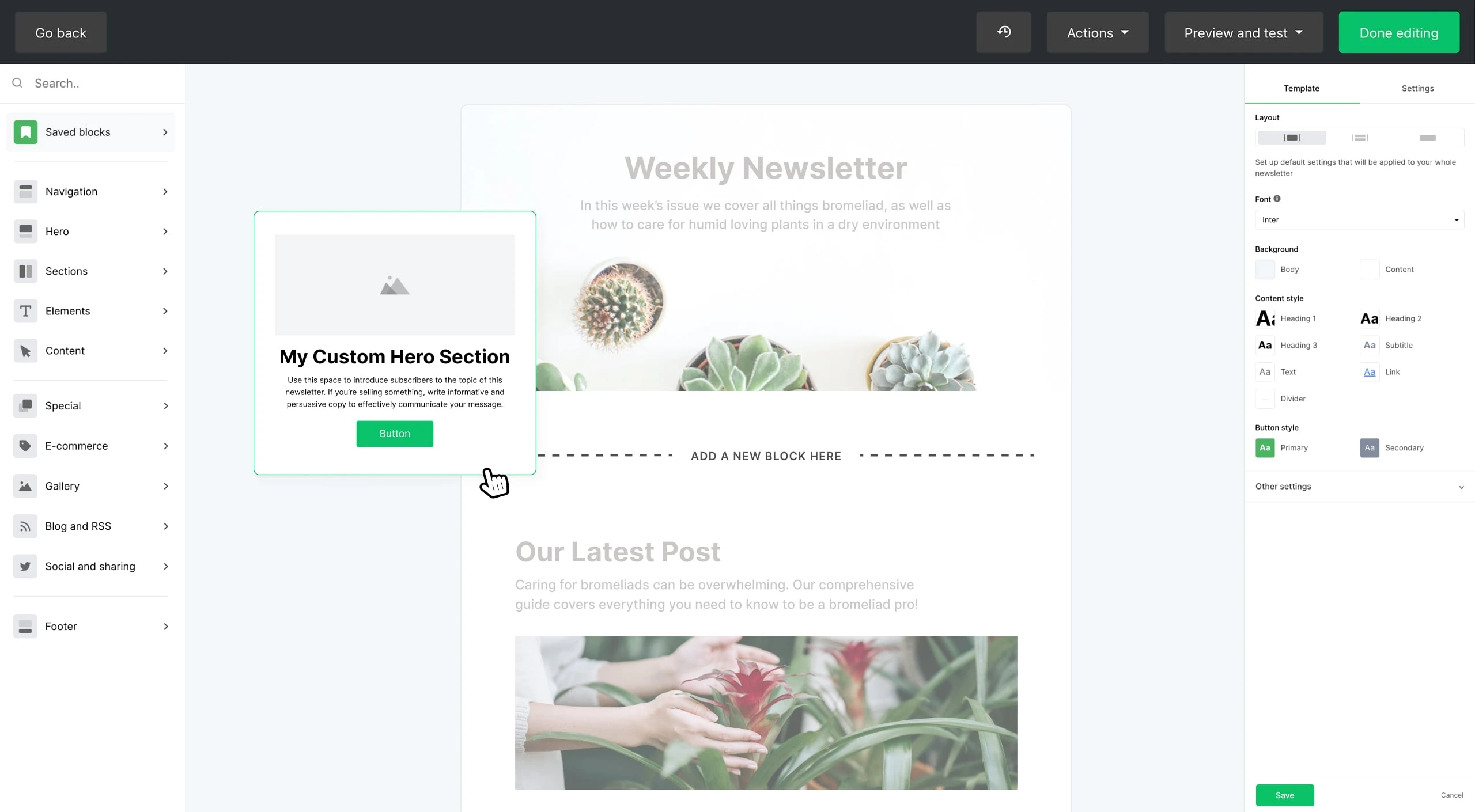
    MailerLite drag-and-drop email editor showing newsletter content blocks
    MailerLite email editor. Official vendor interface preview. · Image source

    Free small-list broadcasts is the lowest documented upfront-price option from MailerLite included for this job. Verify its limits before choosing it.

    Tradeoff: Free subscribers and sends are limited.

    $0.00per month

    Free small-list broadcasts

    View MailerLite plans

    Ordinary provider link. No affiliate partnership claimed. Link disclosure

    Checked 2026-09-13 · Plan source

The software shortlist

Two useful starting points.

Compare costs & limits →
Kit newsletter analytics interface with vendor example data
Kit interface preview. Vendor example metrics, not our results. · Image source
EmailChecked 2026-09-13

Kit

Evaluate for subscriber broadcasts; consider Creator when a specific sequence or automation earns its cost.

Free plan; audited Creator example $39/month for 1,000 subscribers

Subscriber count and billing interval change price. The paid workflow has not been tested.

Ordinary provider link. No affiliate partnership claimed. Link disclosure
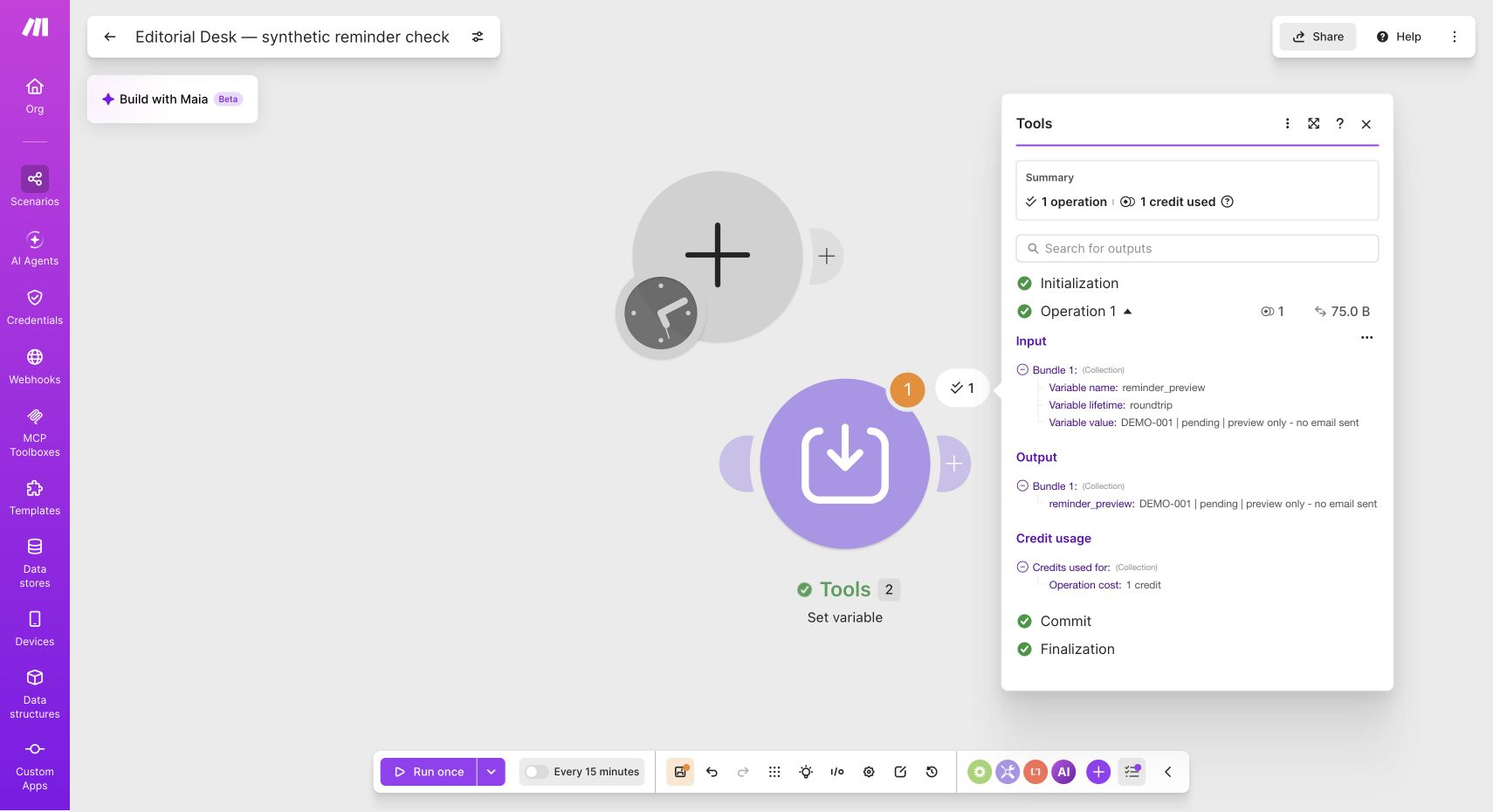
Make Tools module output from our synthetic single-module demonstration
Our synthetic Make module run: one operation. Not a complete automation test. · Image source
AutomationChecked 2026-09-13

Make

A visual tool to investigate small workflow designs, beginning with synthetic data and human review.

Free plan includes 1,000 credits/month

Connected apps can cost extra. Free scheduled interval is at least 15 minutes; paid billing must be checked at checkout.

Affiliate link: we may earn a commission on an eligible purchase. Link disclosure

MailerLite drag-and-drop email editor showing newsletter content blocks
MailerLite email editor. Official vendor interface preview. · Image source
EmailChecked 2026-09-13

MailerLite

Compare with Kit for a small list that needs limited automated follow-up.

Free: up to 250 subscribers, 2,500 emails/month, 3 automations

Paid prices require a live quote. Free sends lock above the subscriber limit; premium trial features may expire.

Ordinary provider link. No affiliate partnership claimed. Link disclosure
Watch demos / Official walkthroughs

See how the tools work.

Videos load from YouTube only when you press play. These are provider videos, not our own product tests.

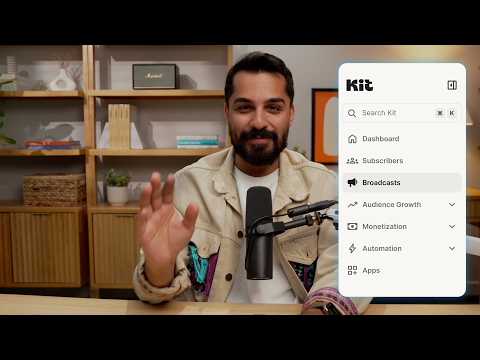
Kit / Official video

Kit’s New Vertical Navigation: A Full Walkthrough

What to look for: Locate subscriber, email, and automation navigation before choosing a workflow.

Watch on YouTube

Make / Official video

Make—Building Your First Automated Workflow from Scratch

What to look for: Follow how modules connect and how data moves through the first workflow.

Watch on YouTube

Before you commit

Read the decision, not just the feature list.

Browse all guides →

Put your own numbers to work

Is the upgrade worth your time?

Compare an estimated time saving with software and setup costs. No signup, no data sent anywhere.

Run the calculation →